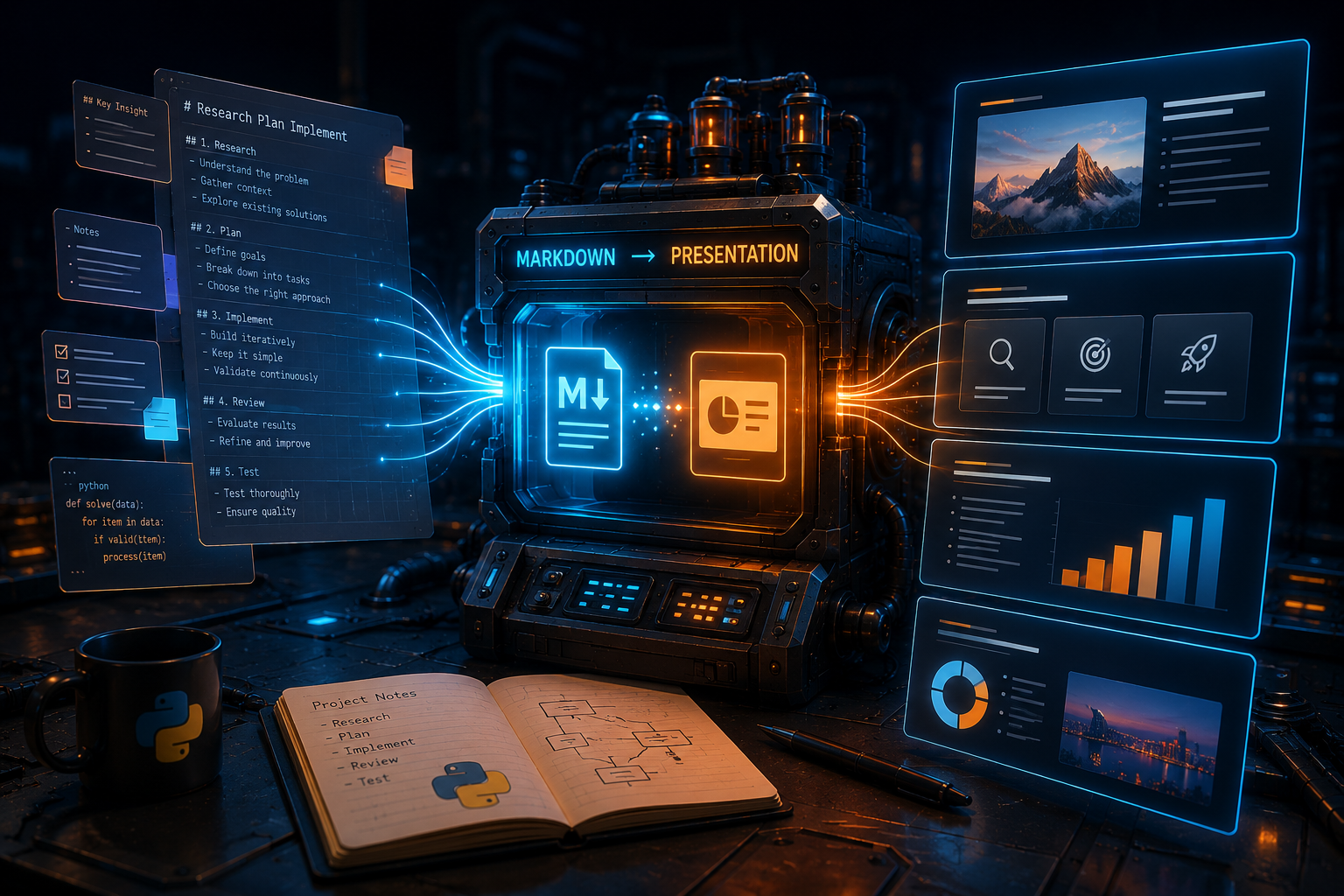
AI coding agents are usually shown in their best environment: a clean greenfield project, a fresh codebase, and very few constraints beyond “build this thing”. Those demos are useful, but they do not capture the messier reality of client work.
Most workplace development happens inside brownfield projects, where the codebase already has patterns, opinions, naming conventions, architectural decisions, old compromises, and sometimes a few scars from previous deadlines. In that environment, the challenge is not just whether an AI agent can generate code. The real challenge is whether it can understand the existing system well enough to make changes that belong there.
That was the main motivation behind this project. I wanted a way to push Claude Code to work better in real frontend and Magento projects, where maintainability, project conventions, and production safety matter. The agent needed to investigate before implementing, follow the standards already present in the codebase, plan its work, review its own output, and leave behind useful documentation for the next person.
The supporting problem was adoption. At my workplace, some developers were not using Claude Code at all. Some were using it only for small, isolated tasks. Others were experimenting, but in very different ways. Planning was mostly absent, standards were inconsistent, and hallucinated implementations could quickly turn into wasted time, wasted tokens, and a slightly dramatic loss of patience.
So I started building a generic AI agent toolchain for Claude Code: a repeatable workflow that helps Claude operate inside existing projects instead of treating every task like a blank canvas. Standardising how developers use Claude Code became part of that bigger goal because a shared workflow makes the tool easier to adopt, easier to trust, and easier to improve across a team.
The idea became hard to ignore after I generated a megamenu for a client using Claude from scratch and saved more than 30% of the time originally estimated to do it manually. The implementation was faster, but the real improvement came from giving the agent enough context, asking it to plan before writing code, reviewing its output carefully, and making sure it understood the existing codebase before making changes.
That experience made me think: what if the workflow that made that result possible could be captured, improved, and reused across real brownfield projects?
From individual experimentation to brownfield workflow
Most AI adoption starts in a very personal way.
One developer finds a useful prompt. Another discovers a neat trick with a subagent. Someone else builds a few rules, forgets where they put them, and later recreates half of them in another project because apparently that is now part of the human condition.
That kind of experimentation is valuable at the beginning. It helps people discover what works. But it does not scale well across a team.
If every developer uses Claude Code differently, the output becomes unpredictable. One person might ask Claude to implement a feature directly. Another might ask it to inspect the codebase first. Someone else might trust it too much and end up with a confident implementation that looks plausible but does not match the architecture.
The Claude Code toolchain was my attempt to move from scattered experimentation to a shared process, especially for brownfield projects where the agent needs more than a prompt. It needs guardrails that push it to understand the existing system before making changes.
The repository is structured around a portable Claude Code setup. At the centre of it is .claude/, which contains agents, skills, hooks, rules, and stack capability configuration. Alongside that, the docs/ folder acts as the living workspace for requirements, implementation plans, feature documentation, manuals, and workflow references.
This separation keeps the toolchain easier to reason about because each part has a clear role in the workflow.
Rather than creating one giant instruction file full of every possible rule, which would become noisy very quickly, the toolchain separates responsibilities:
CLAUDE.mdgives Claude the project context..claude/rules/gives it scoped conventions..claude/skills/defines repeatable workflows..claude/agents/handles specialised investigation, planning, implementation, review, and quality tasks.docs/creates handoff points between humans and agents.
In other words, the project tries to make Claude Code behave less like a clever autocomplete tool and more like a structured engineering assistant.
Detecting the project before configuring the workflow
The toolchain starts with the /detect-stack skill, which gives Claude a structured way to understand the project before any setup or implementation work begins.
The skill first uses file-based heuristics to detect the stack. For example, it looks for signals such as Magento dependencies in composer.json, React or Next.js dependencies in package.json, Vite or Webpack configuration, GraphQL schema files, TypeScript configuration, Tailwind configuration, LESS files, and BigCommerce SDK references.
From there, it goes deeper by spawning codebase-qa subagents to analyse backend structure, frontend structure, and integration patterns. It can also run an exploration agent to build a domain glossary, mapping business terms to code artefacts.
That last part is important because real client projects rarely suffer only from technical complexity. They also suffer from domain complexity. Interestingly, when I asked Claude Code how I could improve its effectiveness inside these projects, one of its own suggestions was to create a domain glossary so it could better understand the language of the codebase and the business context around it.
A codebase might have business terms, acronyms, admin configuration names, integration concepts, or product specific language that are obvious to the client but not obvious to a developer, let alone an AI agent. Building a glossary gives future Claude sessions a better starting point.
The output of this process is .claude/stack-config.json, which becomes the structured description of the project. It captures detected capabilities, backend details, frontend details, API patterns, theme information, commands, smoke test configuration, documentation paths, and domain glossary entries.
That means the toolchain adapts to the project instead of assuming every codebase works the same way.
For the kind of work we do, that is especially useful. A Magento project with a React bridge has different needs from a pure Magento Luma project. A Next.js storefront has different needs again. A frontend developer and a Magento developer may both use Claude Code, but the context they need Claude to respect is not identical.
Setting up Claude Code as part of the project
After detecting the stack, the next step is /setup-project.
This skill takes the detected stack configuration and turns it into a working Claude Code setup for the project. It generates a slim CLAUDE.md, creates .claude/rules/ files, prunes inapplicable skills and hooks, updates agent configuration, and rewrites hook configuration with project specific paths.
I like this because it treats Claude Code configuration as project infrastructure.
That is how I think it should be treated because if a project has lint commands, test commands, commit conventions, architectural patterns, reusable components, integration boundaries, and documentation expectations, those things should not live only in someone’s head. They should be available to the tools we use every day.
The setup process also has safety built in. Before making destructive changes, /setup-project creates a timestamped backup of the toolchain directories inside tmp/, covering .claude/, docs/, CLAUDE.md, and CLAUDE.md.example.
The generated CLAUDE.md is intentionally slim. The setup instructions say to keep project-specific architecture, commands, domain glossary, documentation structure, and key dependencies there, while moving convention-specific guidance into .claude/rules/.
That split helps with context management because Claude needs enough information to behave correctly while avoiding the kind of overloaded context that turns every session into a wall of instructions. Rules can be scoped to the relevant files, which means React conventions can load when working with frontend code, Magento conventions can load when working with PHP or XML, and testing conventions can load when working with test files.
This is one of the places where the toolchain moves from prompting into something closer to system design.
Planning before implementation
Once the detection and setup steps are finished, the toolchain has enough project context to move into actual feature work. At that point, new requirements can be treated as inputs to a structured workflow rather than loose prompts thrown at the agent.
A lot of developers jump straight from ticket to implementation. That is tempting because AI agents make it feel cheap to generate code. But code is only cheap if it is correct, aligned with the project, and easy to review.
Otherwise, generated code can quickly create confusion, and what initially seemed cheap becomes expensive in both wasted time and token cost.
The workflow in this toolchain starts with requirements. A developer saves the ticket export, spec document, or acceptance criteria into docs/requirements/. Then /plan-feature uses that as the input for the planning phase. This is a multi-phase process where multiple codebase-qa subagents research reference implementations, impact-analyser agents assess affected code, and a feature-planner agent synthesises the findings into a file-by-file implementation plan under docs/plans/.
That is important because the plan becomes the handoff point between investigation and implementation.
The implementation agent works from a document that captures the requirements, relevant code patterns, affected files, assumptions, and implementation steps, instead of relying on a vague prompt.
This also gives the developer a chance to stop and check whether the proposed approach makes sense before any code is written.
I think this is one of the most valuable behavioural changes AI tools can encourage. Instead of asking the agent to “just do it”, we can ask it to investigate, explain, and plan first.
The workflow even includes a comprehension checkpoint: if the developer cannot explain the feature’s data flow from the plan alone, they should use the codebase-qa subagent to fill the gaps before moving on.
The developer should avoid becoming a passive passenger. The agent can do a lot of the heavy lifting, but the developer still needs to understand the implementation well enough to own it. At the end of the day, the developer is the one responsible for what gets shipped, and the one accountable when something goes wrong in production, especially when working on client projects.
Implementation, review, and correction
Once the plan exists, /implement-feature takes over.
The workflow validates the plan, checks for unresolved questions, spawns a feature-implementer subagent to write the code, runs verification, and then spawns a reviewer subagent to inspect the uncommitted changes for correctness and pattern compliance. The final result includes a change summary, verification output, review findings, and key files to understand.
The workflow uses subagents to keep the orchestrator agent’s main context window as focused as possible. That main context becomes the common thread handling the different implementation feature stages.
The toolchain also includes escape hatches for when reality disagrees with the plan. If assumptions do not hold, requirements change, or the reviewer finds a fundamental issue, the /correct-course skill can update the plan with documented amendments before implementation continues.
That is closer to how real development works because plans are useful, but plans also break. A good workflow needs a way to absorb new information without losing the thread. Otherwise, the agent drifts, the developer loses context, and the final code becomes a pile of partial decisions.
For frontend issues that need runtime evidence, the README also points to the /debug-frontend skill, which can handle hypothesis generation, instrumentation, reproduction, and log-based analysis, with Playwright support when available.
That is useful because many frontend bugs cannot be understood from static code alone. Sometimes you need to see the browser, inspect behaviour, capture screenshots, test accessibility, or confirm what is actually happening at runtime.
Documentation as part of the loop
Another important part of the toolchain is the documentation loop.
Most teams agree that documentation is useful. Many teams also quietly allow it to become stale because it sits outside the development workflow.
This toolchain tries to keep documentation connected to implementation, so after a feature is built, /document generates an architecture document under docs/features/. This is mandatory for multi-layer features. The skill analyses the implementation for lessons learned, such as non-obvious patterns, gotchas, or reusable references, then proposes concrete additions to CLAUDE.md or .claude/rules/ for approval.
That is the loop I wanted:
- Requirements go into
docs/requirements/. - Planning output goes into
docs/plans/. - Implementation follows the plan.
- Documentation goes into
docs/features/. - Lessons learned can improve
CLAUDE.mdor.claude/rules/. - Future agents and developers start with better context.
This is where the toolchain starts to compound, because every completed feature can make the next one easier to understand. Every useful pattern can be captured. Every gotcha can become a rule. Every architectural decision can become part of the shared memory of the project.
That is much better than having every Claude session rediscover the same codebase from scratch.
One improvement I still want to explore is adding frontmatter to feature documentation, similar to the way frontmatter is used in rules. That would allow each document to describe when it is relevant, which areas of the codebase it relates to, and what kind of work should trigger it. Instead of loading every feature document into context, the agent could discover the right documents when needed and keep the working context focused.
Why hooks and rules matter
Rules and hooks are not the most exciting part of an AI agent workflow, but they are probably one of the most practical.
Rules help Claude understand how the team wants code to be written. Hooks help enforce or automate parts of the workflow around tool usage.
The setup process can generate rules for code standards, commit conventions, testing, React conventions, Magento conventions, and theme conventions, depending on the detected capabilities of the project. These rules can be scoped by file path so they load only when relevant.
Teams need code that works well in isolation while also aligning with the patterns, conventions, and constraints of the existing project.
A React component might be perfectly valid in isolation and still be wrong for the codebase. A Magento plugin might work technically and still ignore the naming conventions, dependency patterns, or existing module structure. A commit might contain correct changes and still be painful to review because everything is bundled together.
The toolchain tries to encode those expectations, and the /commit step is a good example. It analyses uncommitted changes and proposes a logical breakdown into ordered commits following the project’s commit conventions from CLAUDE.md. The developer reviews the commit plan, then confirms execution.
That is the kind of workflow detail that makes AI assistance more usable in real engineering teams.
What I learned from building it
The biggest lesson from this project is that AI coding tools need structure around them, especially when they are used in brownfield projects.
A stronger model helps, but it does not magically solve poor context, weak planning, unclear standards, or inconsistent workflows. If anything, a stronger model can make those problems more subtle because the output looks more convincing, even when it does not fully fit the project.
For workplace adoption, the goal cannot simply be “let’s use Claude Code more”, because that is too vague. A better goal is: let’s use Claude Code in a way that helps us deliver safer, more maintainable changes in the projects we already have.
That means developers need:
- A shared way to onboard Claude into a project.
- A shared way to detect and document project architecture.
- A shared way to plan before implementation.
- A shared way to verify and review generated code.
- A shared way to capture lessons so future work gets easier.
- A shared way to manage context instead of constantly starting from zero.
The toolchain is my attempt to package those ideas into something practical. By forcing the agent to detect the stack, respect project rules, plan before implementation, and document what changed, the workflow improves how AI agents behave in brownfield projects. It gives them a better chance of producing code that fits the existing system rather than code that only looks good in isolation.
It is still early. It has not yet been proven across many real tickets. People are starting to test it, and I expect the workflow to evolve as we learn where it helps, where it feels heavy, and where it needs to be simplified.
Even though it is early, I already think the direction is right.
The future of AI-assisted development will depend less on who has the best prompt and more on which teams can build the best operating model around these tools.
Closing thoughts
This project started from a simple observation: Claude Code can be incredibly useful in greenfield demos, but brownfield projects demand a different level of context, discipline, and respect for the existing system.
The megamenu example showed me the upside. Saving more than 30% of the estimated implementation time is not a small improvement. The real lesson was that the saving came from making Claude work within the project’s existing constraints, rather than treating the task like a clean greenfield build.
That is what this toolchain is trying to do. It gives Claude Code a repeatable way to understand an existing project, plan the work, implement carefully, review the result, run checks, commit logically, and document what changed.
For me, that is the missing layer: a workflow that helps AI agents move from impressive demos to useful brownfield development.
Key Takeaways
Brownfield projects need workflow, not just generation. The agent has to understand existing patterns, conventions, and constraints before its output becomes useful in real client work.
Planning is where a lot of the value comes from. Asking Claude to investigate the codebase and produce a plan first reduces the chance of plausible but incorrect code.
Context management is a design problem. CLAUDE.md, rules, docs, plans, and feature writeups help the agent access the right context without flooding every session with everything.
The toolchain turns good AI usage into a repeatable process. Detection, setup, planning, implementation, review, correction, documentation, and commits become connected stages instead of disconnected prompts.
AI-generated code still needs review. The workflow includes reviewer agents because speed without verification is risky, especially when production client work is involved. Humans still need to review the code.
Documentation can become part of the development loop. Requirements, plans, completed feature docs, and lessons learned help future agents and developers start with better context.
Portability matters. The toolchain is designed to adapt across frontend, Magento, React, Next.js, GraphQL, BigCommerce, and related project types.
The developer still owns the work. The agent can research, plan, implement, review, and document, but the developer still needs to understand the feature and make judgement calls.