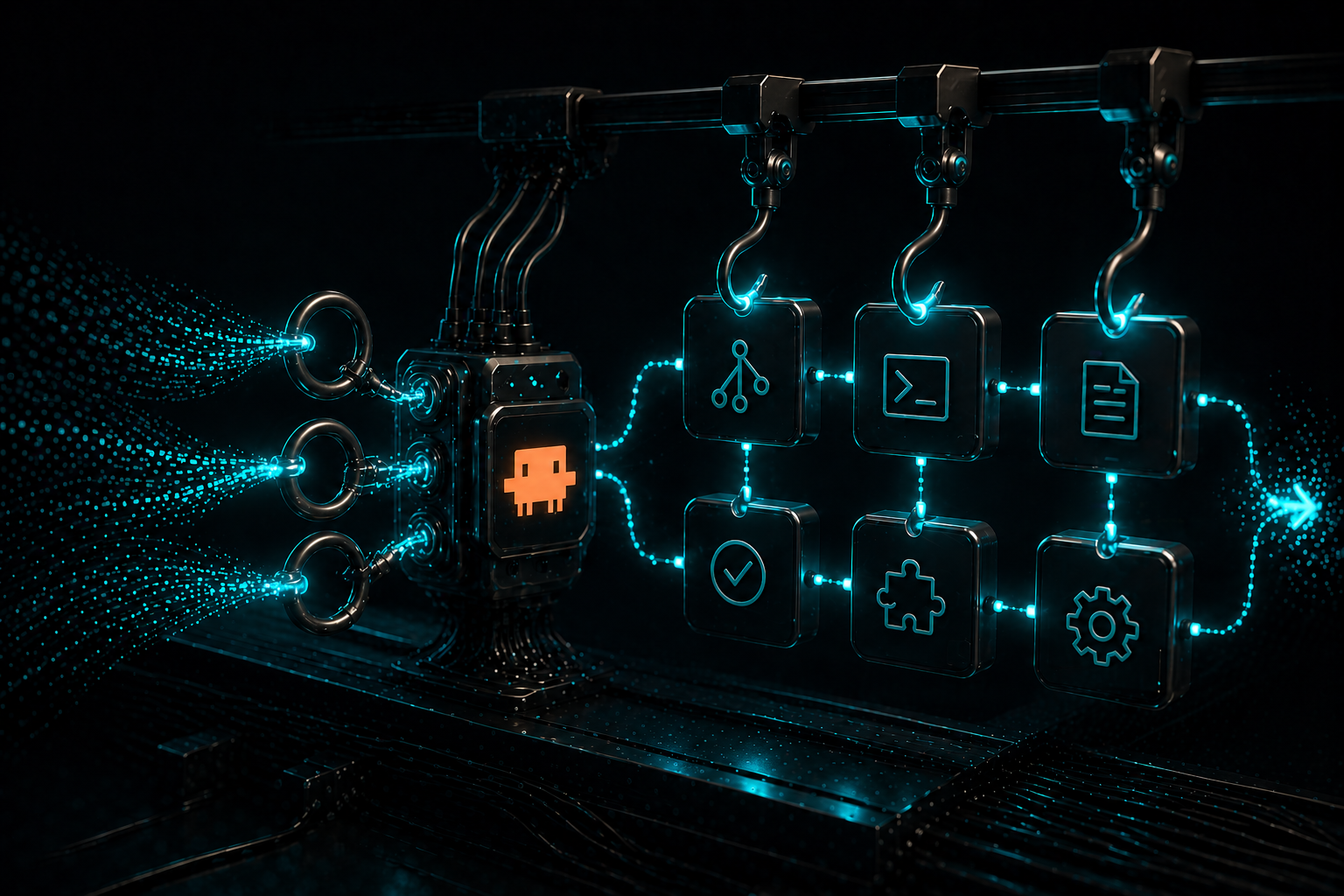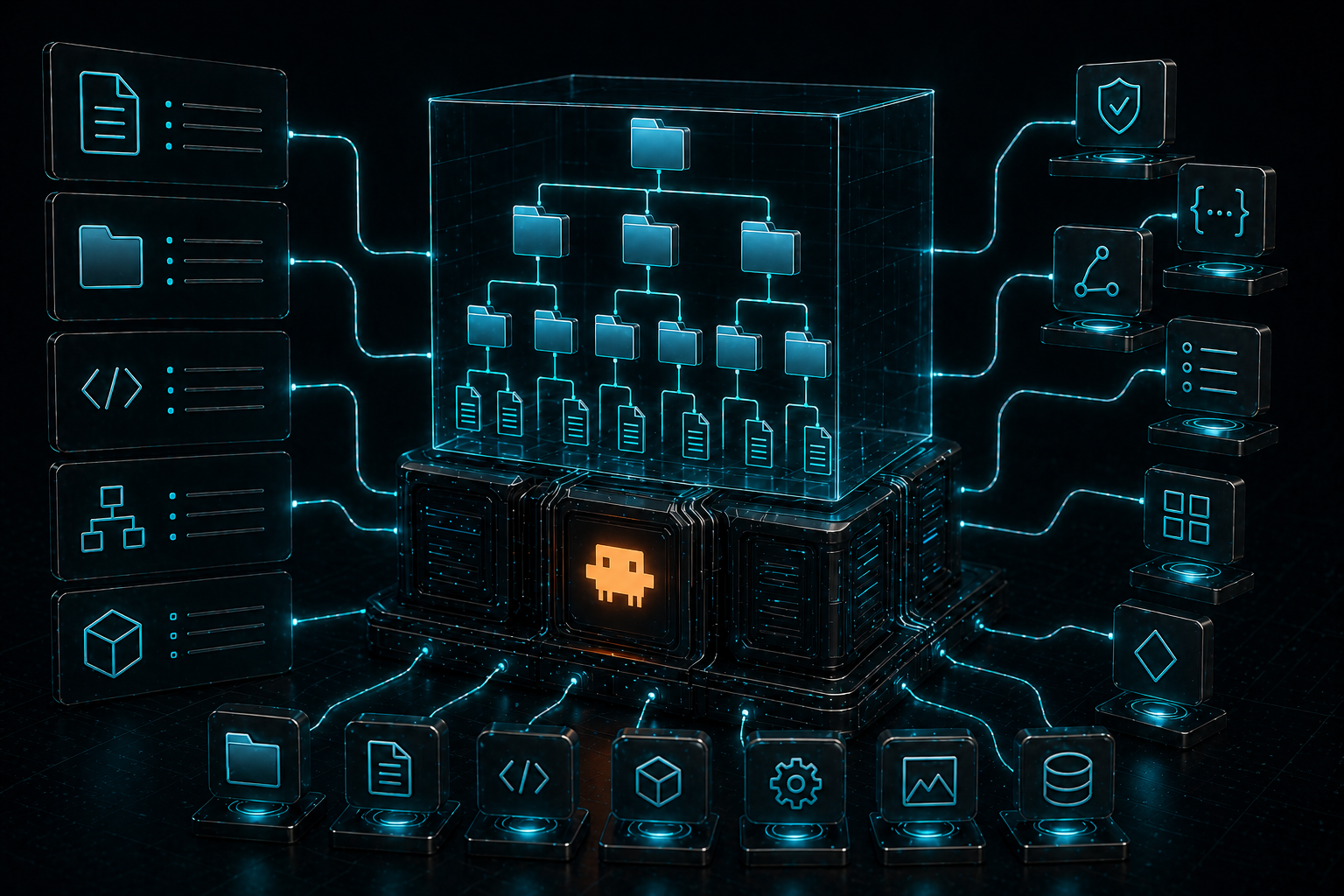

One of the easiest mistakes to make with Claude Code is assuming that “memory” is just one thing. It is not.
There is CLAUDE.md. There are rules. There is auto memory. There is subagent memory. There are settings that influence how all of this behaves. And if you mix up what each layer is for, Claude can end up feeling forgetful, inconsistent, or weirdly aware of the wrong things.
The good news is that the system is more coherent than it first looks.
The short version is this: CLAUDE.md is where you teach Claude how your project works. Rules are where you split that guidance into smaller and more targeted pieces. Auto memory is where Claude accumulates lessons over time. Subagent memory is where specialised agents build up their own knowledge base. Anthropic’s docs describe CLAUDE.md and auto memory as complementary systems that both load at the start of every conversation, while rules help scope instructions more precisely, especially in larger projects.
That distinction matters a lot.
Because if you put everything into one giant CLAUDE.md, you bloat the context. If you rely on auto memory for permanent architecture guidance, you make the system fuzzy. And if you never structure rules by path or topic, Claude ends up carrying too much irrelevant instruction at once. Anthropic explicitly warns that these instructions consume tokens in the context window and recommends keeping each CLAUDE.md under about 200 lines.
So let’s do a proper deep dive 🤿.
First principle. Teach the project, not just the code
A good CLAUDE.md is not a random pile of reminders. It should answer three questions clearly:
- What is this project?
What technologies does it use? How is the repo structured? Where are the apps, packages, services, modules, or major domains?
- Why does it exist?
What is the business purpose of the system? What are the important parts of the repo actually for?
- How should Claude work in it?
How do you run the project? How do you test changes? How does Claude verify its own work? What tools and commands should it prefer?
Project CLAUDE.md files should cover things like build and test commands, coding standards, architectural decisions, naming conventions, and common workflows, and /init can generate a starting file automatically by analysing the codebase.
This is why I think the best CLAUDE.md files feel more like an index than a manifesto.
You are not trying to describe everything. You are trying to give Claude the shortest possible path to the right mental model.
A weak version says something like:
This project uses React, TypeScript, and a component based architecture. We value clean code and testing.
A useful version says something like:
- App shell lives in
apps/web- Shared UI lives in
packages/ui- API clients live in
packages/api- Use
bun, notnode- Run
bun testfor unit tests- Run
bun typecheckbefore finishing- For auth flows, inspect
packages/authfirst- For billing changes, read
docs/billing-rules.md
That second version gives Claude somewhere to go.
CLAUDE.md works best when it stays small
This is one of the most important best practices, and also one of the easiest to ignore.
Anthropic says CLAUDE.md content is loaded into the context window at the start of every session, so longer files consume more context and reduce adherence. Their recommendation is to target under 200 lines per file, keep instructions specific and concise, and split large files using imports or .claude/rules/.
CLAUDE.md, rules, and auto memory all compete for attention, so high-quality project awareness comes from using the right layer for the right type of knowledge, not from stuffing everything into one always-loaded file.
Your root CLAUDE.md should be the stable core. It should contain the information Claude needs almost every time. It should not become the place where every team note, file path, edge case, workflow, and exception goes to die.
Once that file starts growing aggressively, the usual solution is not “add more structure inside the same file.” The better solution is “move the detail into rules or imported files.”
Write instructions like commands, not like documentation
Anthropic’s docs say Claude follows specific, concrete, and verifiable instructions more reliably than vague guidance. Their examples are all imperative. “Use 2-space indentation.” “Run npm test before committing.” “API handlers live in src/api/handlers/.”
You should say:
- Use
bun, notnode- Check existing patterns before creating a new abstraction
- Run
bun testandbun typecheckbefore finishing- Prefer functional React components
- Put API handlers in
src/api/handlers
You shouldn’t say:
- The project uses
bun- The team tends to prefer functional components
- Testing is generally recommended before finalizing
One is operational, the other is descriptive. Claude does better with operational language because it translates more directly into action.
Tables often beat prose
This is one of my favourite tips from my experience working with Claude Code because it captures how these systems actually behave in practice.
If Claude needs to decide where to look first, a lookup table is often better than a long paragraph. A table turns your project knowledge into a little routing system.
For example:
| Need | Where to look first |
|---|---|
| Billing logic | packages/billing/, apps/web/src/features/billing/ |
| Auth flow | packages/auth/, apps/web/src/routes/login/ |
| Shared UI pattern | packages/ui/ |
| API client code | packages/api/ |
| Test examples | tests/, packages/*/src/**/*.test.ts |
That is easier for Claude to act on than three paragraphs explaining the repo philosophy. It is also easier for you to maintain!
If your goal is project awareness, the more you can convert fuzzy prose into decision-friendly structure, the better.
Use imports to keep the main file lean
Anthropic supports @path imports inside CLAUDE.md, including relative and absolute paths, recursive imports up to five levels deep, and even home directory imports for personal files. They also explicitly suggest using imports when instructions get too large.
This is useful because it lets your main file stay short without losing richness.
A clean pattern looks like this:
# Project overview
See @README.md for the high level product overview.

# Commands
See @package.json for scripts and @docs/dev-workflow.md for build steps.

# Domain notes
- Billing details: @docs/billing-rules.md
- Auth details: @docs/auth-flows.md
That gives Claude access to the deeper material without forcing your root file to carry every detail inline.
It also means your CLAUDE.md can act like a project map, which is usually a better job for it anyway.
Use multiple CLAUDE.md files, but do it intentionally
Anthropic documents a hierarchy for CLAUDE.md files. You can have managed, user, project, and more specific directory-level files. Claude walks up the directory tree from the current working directory, loading broader files first and more specific ones later. It can also discover subdirectory CLAUDE.md files and load them when Claude reads files in those directories.
From analysing Claude Code source code, it’s evident that this hierarchy is one of the main reasons monorepo setups can work well. A repo-level file can provide broad standards, while a nested package-level file can override or refine guidance for that area. It also notes that files closer to the current working directory have more practical priority because they load later.
That is powerful, but it can also get messy fast. The mistake is thinking, “great, I can put instructions everywhere.”
The better approach is:
- Put broad, stable project guidance at the root
- Put domain specific guidance near the domain
- Avoid repeating the same rule in multiple places
- Periodically remove contradictions and update the content of files as your project evolves
If two files disagree, Claude may follow either one inconsistently. Anthropic calls that out directly.
Rules are where the system really starts to scale
For larger projects, Anthropic recommends .claude/rules/ so instructions stay modular and easier to maintain. Rules can load every session or only when matching files are opened, and path-specific rules use YAML frontmatter with a paths field.
This is one of the biggest upgrades you can make to project awareness.
Instead of having one huge file that tries to teach Claude everything about frontend, backend, infra, testing, data migrations, and docs, you create smaller files with one concern each.
Something like:
.claude/rules/
  testing.md
  code-style.md
  security.md
  frontend/react-patterns.md
  backend/api-rules.md
And if a rule only matters for API files, scope it:
---
paths:
  - "src/api/**/*.ts"
---
# API Development Rules

- Validate all request inputs
- Use the standard error response format
- Add OpenAPI comments for public endpoints
According to the docs, rules without paths are loaded unconditionally, while path-scoped rules activate when Claude reads matching files. That makes them much more context-efficient than always-loaded instructions.
This is why I would frame the architecture like this:
CLAUDE.mdis your project’s operating manual.- Rules are your project’s specialised playbooks.
Auto memory
CLAUDE.md is what you write. Auto memory is what Claude writes based on corrections and preferences. They are complementary systems. CLAUDE.md is for persistent instructions and architecture-level guidance. Auto memory is for learnings and patterns Claude accumulates over time. Both load at the start of every conversation, but they serve different purposes.
People sometimes want Claude to “remember the project better,” and they start asking it to save architecture notes as memory. But if that guidance is stable and important, it usually belongs in CLAUDE.md or in rules, not in memory.
Auto memory is better for things like:
- user preferences Claude keeps forgetting (I find this is the most common use case)
- lessons learned from repeated corrections
- non obvious working agreements
- project context that is real but not easily derivable from the code
- references to outside systems
From the Claude Code source code analysis, we can see it defines memory categories such as user, feedback, project, and reference, and makes it clear that memory is intended for information that cannot be easily inferred from the codebase, Git history, or repository structure.
That is the right filter. If Claude can discover it by reading the repo, it probably should not live in memory.
What MEMORY.md is really doing
MEMORY.md is the entry point to Claude Code’s auto memory system for a project. Each project gets its own memory directory at ~/.claude/projects/<project>/memory/, and that directory is shared across the same Git repository, including worktrees and subdirectories. Inside it, Claude keeps a small MEMORY.md file as an index, plus any number of topic-specific memory files:
~/.claude/projects/<project>/memory/
├── MEMORY.md          # Concise index, loaded into every session
├── debugging.md       # Detailed notes on debugging patterns
├── api-conventions.md # API design decisions
└── ...                # Any other topic files Claude creates
Rather than storing everything in one large file, Claude uses MEMORY.md as a map of what is already known and where that knowledge lives. That makes the system easier to scale and keeps memory more organised. If needed, you can also move the auto memory directory somewhere else through your user or local settings:
{
  "autoMemoryDirectory": "~/my-custom-memory-dir"
}
In practice, MEMORY.md gives Claude a lightweight overview of project knowledge, while the supporting files hold the deeper details.
According to the source code analysis, MEMORY.md is not just a normal notes file. Indeed it acts as an index for individual memory files. The index is always loaded, while individual memories are surfaced by relevance, rather than all being injected every time. The analysis also indicates that the index is capped at 200 lines or 25KB, and that descriptions matter because they influence which memories are selected later.
That leads to a very practical insight. A good memory system is not just about saving facts. It is about making those facts retrievable.
So if you are manually curating memory, write entries in a way that future Claude can find them.
Bad memory description:
Some notes about a previous issue
Better memory description:
Billing integration tests must use real Stripe sandbox because mocks hid webhook ordering bugs
The second one is much more likely to be recalled when relevant. It is also more likely to be useful.
The # shortcut is useful, but you still need judgment
You can type # in the Claude Code interface to create memories, which makes memory feel a bit like quick rule capture.
That is useful, but the same principle still applies. Just because something is worth remembering for a week does not mean it belongs in the permanent project guidance layer.
A decent rule of thumb is:
- Put stable project truth in
CLAUDE.md - Put scoped, domain specific truth in rules
- Put learned preferences, corrections, or temporal context in memory
This simple separation solves a lot of mess before it happens.
Settings matter more than people think
Settings are not the same thing as memory files, but they influence the environment around them.
Anthropic’s settings docs describe multiple scopes for configuration: managed, user, project, and local. They also explain the precedence order, where managed settings override everything, followed by command line arguments, then local, project, and user settings. The docs also list settings related to memory and project behaviour, including autoMemoryDirectory, and recommend project settings for team shared configuration and local settings for personal overrides in one repository.
This matters because a strong memory strategy is not just about writing good instructions. It is also about placing the right behaviour at the right scope.
For example:
- personal preferences across all repos belong in user scope
- team shared hooks and tooling belong in project scope
- machine specific or experimental overrides belong in local scope
And if you are using auto memory heavily, the autoMemoryDirectory setting can change where that data lives, though the docs note that it is not accepted in shared project settings for safety reasons.
That last detail is a good reminder that not all “memory-related” behaviour belongs in the repo itself.
Subagents can have their own persistent memory too
Anthropic documents a memory field for subagents that gives them a persistent directory across conversations. Supported scopes are user, project, and local. When enabled, the subagent gets instructions for reading and writing to its memory directory, and it also receives the first 200 lines or 25KB of that directory’s MEMORY.md. Anthropic recommends project as the default scope when the subagent’s knowledge should be project-specific and shareable via version control.
That means you can create agents that do not just help with a task. They can slowly become better at that task in the context of your project.
- A code reviewer subagent can remember recurring review issues.
- A debugging subagent can remember recurring failure patterns.
- A docs subagent can remember how your team prefers technical writing to be structured.
This is powerful because it separates “main project awareness” from “specialized role awareness.”
And in practice, that usually makes the overall system cleaner.
A practical strategy that actually works
If I were setting up Claude Code from scratch for a serious repo, I would do something like this:
1. Start with /init
Anthropic says /init can generate a starting CLAUDE.md based on the codebase and suggest improvements if one already exists. That gives you a draft. Not a finished system, but a draft.
2. Rewrite the root CLAUDE.md as an index
Keep only the high value, always relevant material:
- project purpose
- repo map
- important commands
- verification steps
- links or imports to deeper docs
3. Convert broad prose into imperative instructions
Turn soft descriptions into concrete actions.
4. Move specialised content into .claude/rules/
Especially if it is:
- file type specific
- domain specific
- noisy
- not always relevant
5. Use path-scoped rules aggressively
Only load React rules for React files. Only load API rules for API files.
6. Use imports for deeper docs
Do not paste long reference docs into the root file if an import will do the job.
7. Let memory capture learnings, not architecture
Use memory for corrections, preferences, deadlines, external references, and other non-obvious context.
8. Give subagents their own memory when specialisation matters
This is especially useful for repeat reviewer, debugger, or research workflows.
Common mistakes that make Claude feel forgetful
The first is one giant CLAUDE.md. This usually starts as “let’s help Claude more” and ends as “Claude ignores half of this.”
The second is using memory for things Claude should derive from the repo. If the answer is in the codebase, teach Claude where to look. Do not turn the memory layer into a shadow documentation system.
The third is contradictory guidance across files. Anthropic explicitly warns that contradictory rules can reduce consistency.
The fourth is putting personal preferences into shared project files. Those belong in user or local scope instead. Anthropic’s settings and CLAUDE.md scope model both support that separation.
The fifth is writing fuzzy instructions. “Keep things clean” is not project awareness, but wishful thinking.
Takeaway
Claude Code does not become project-aware because you gave it more words. Instead, it becomes project aware when you make the project legible and accessible.
That means:
- stable context goes in
CLAUDE.md - scoped context goes in rules
- learned context goes in memory
- specialized context goes in subagent memory
- configuration lives in the right settings scope
Once you separate those layers, the system starts to feel much less magical and much more reliable.
And honestly, that is the real goal. Not “make Claude remember everything”, but make it remember the right things, in the right place, for the right reason.
If you want one compact checklist to apply after reading this, use this:
- Keep the root
CLAUDE.mdunder about200lines when possible. Anthropic recommends that target for reliability and context efficiency. - Treat the root file as a project index, not a dumping ground.
- Answer what, why, and how clearly.
- Write instructions as commands.
- Use lookup tables for routing Claude to the right code.
- Move specialised guidance into
.claude/rules/. - Use paths frontmatter for file specific rules.
- Use imports instead of bloating the main file.
- Save stable architecture in instructions, not in memory.
- Use memory for learnings, corrections, and non obvious project context.
- Give important subagents persistent memory when their specialisation benefits from it.
Now, I would be interested in knowing what’s the biggest thing Claude Code still forgets about your project today, and which layer do you think should fix it: CLAUDE.md, rules, memory, or subagents?
See you in the next one!